One character. Your whole business card.
Type a character and we'll turn it into a QR code that really scans — the code itself looks like that character. Someone scans it, sees your contact details, and saves you to their phone in one tap.
Pay once, keep it forever — and no more crowded business cards!
Real codes, not pasted images
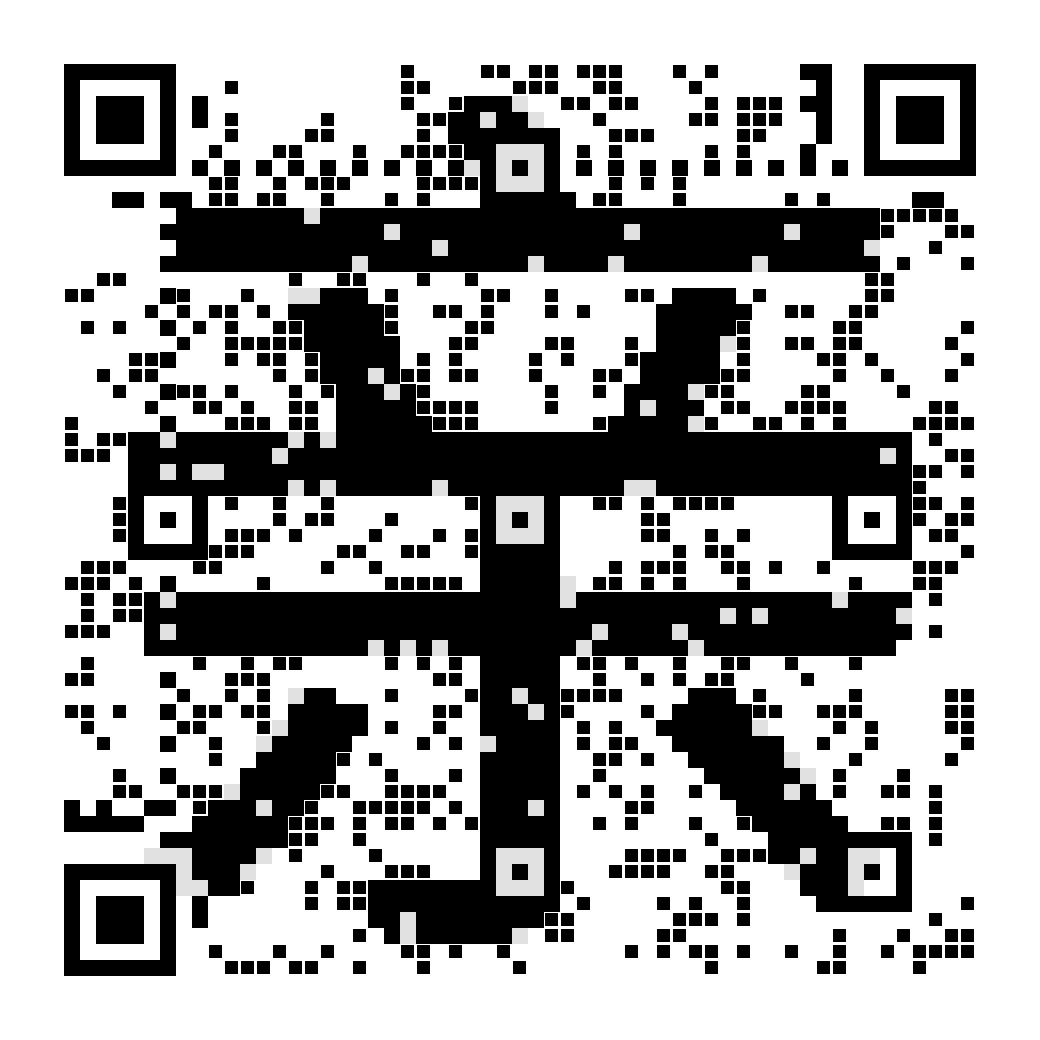
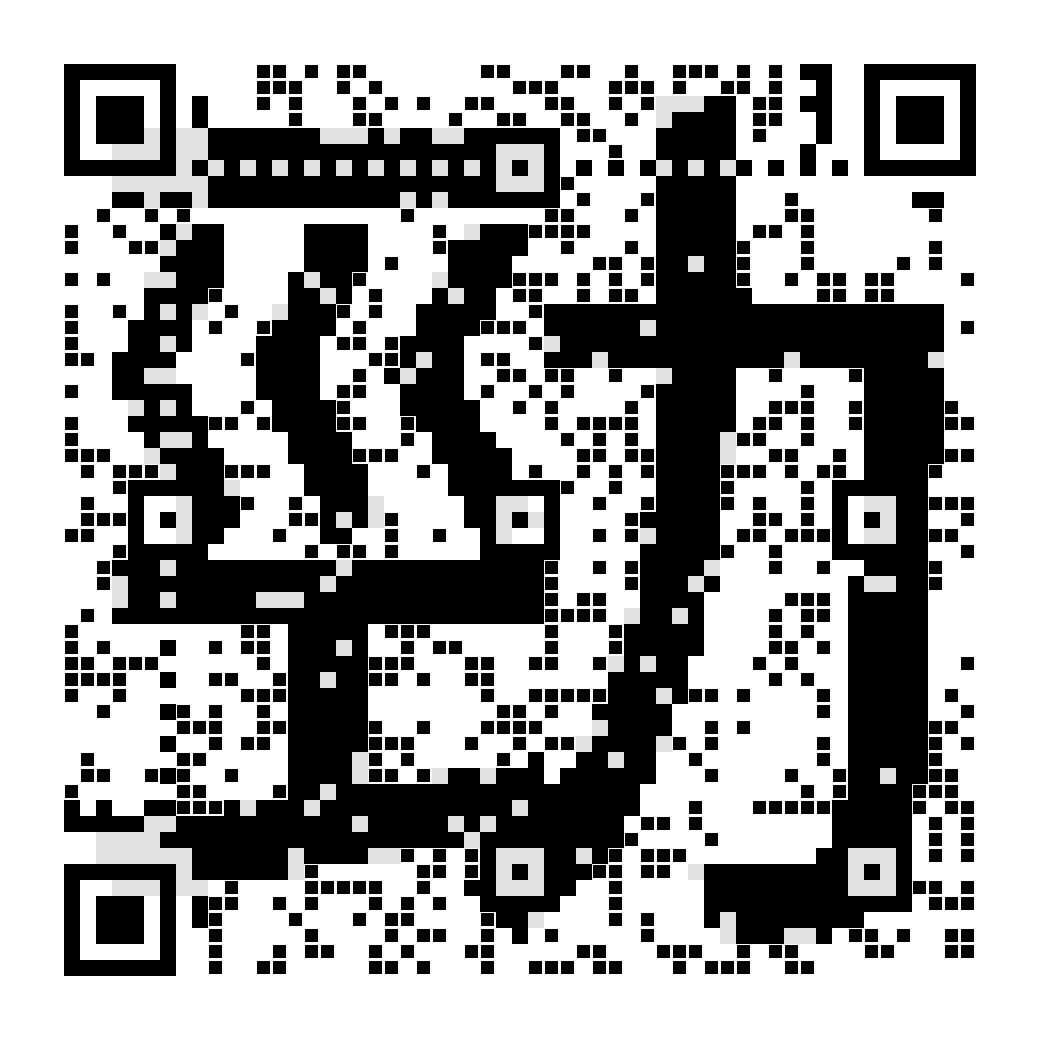
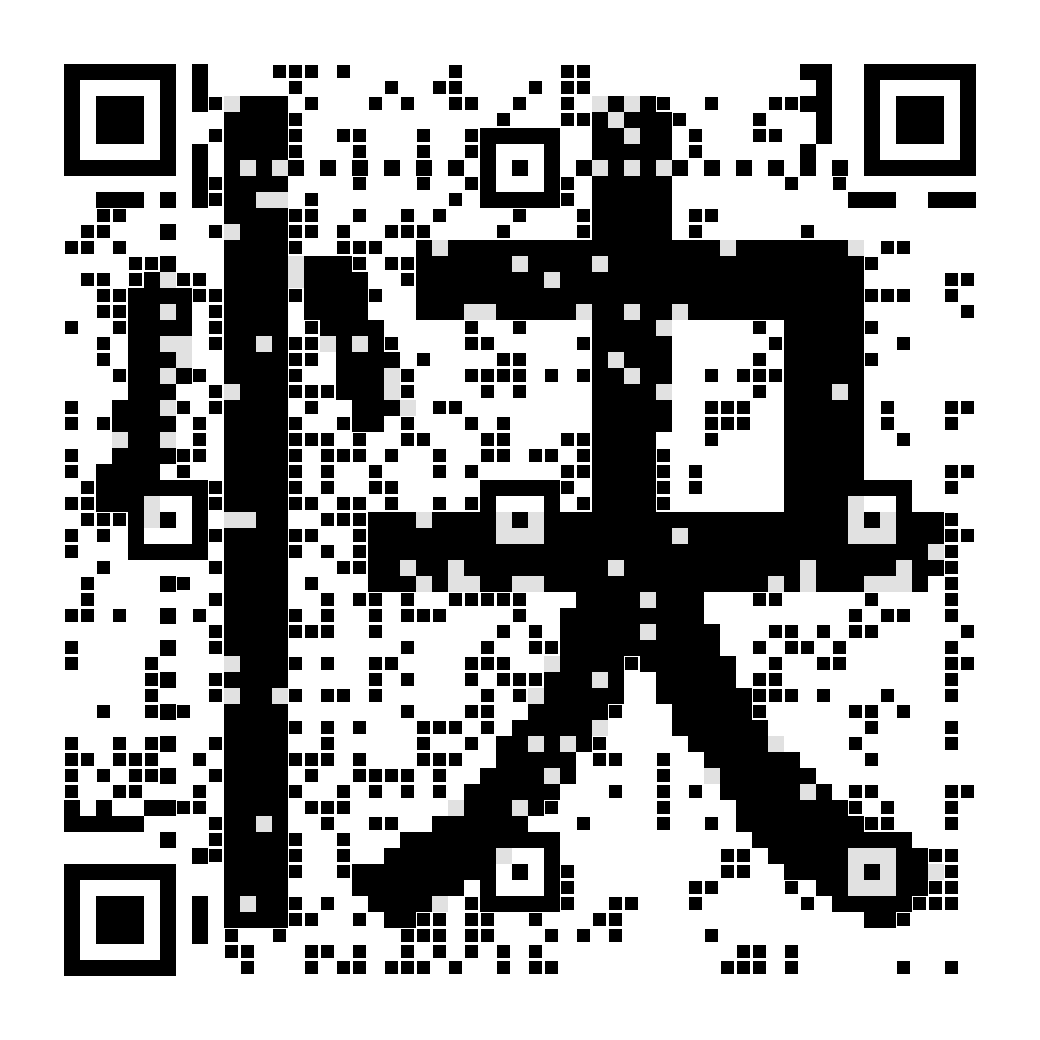
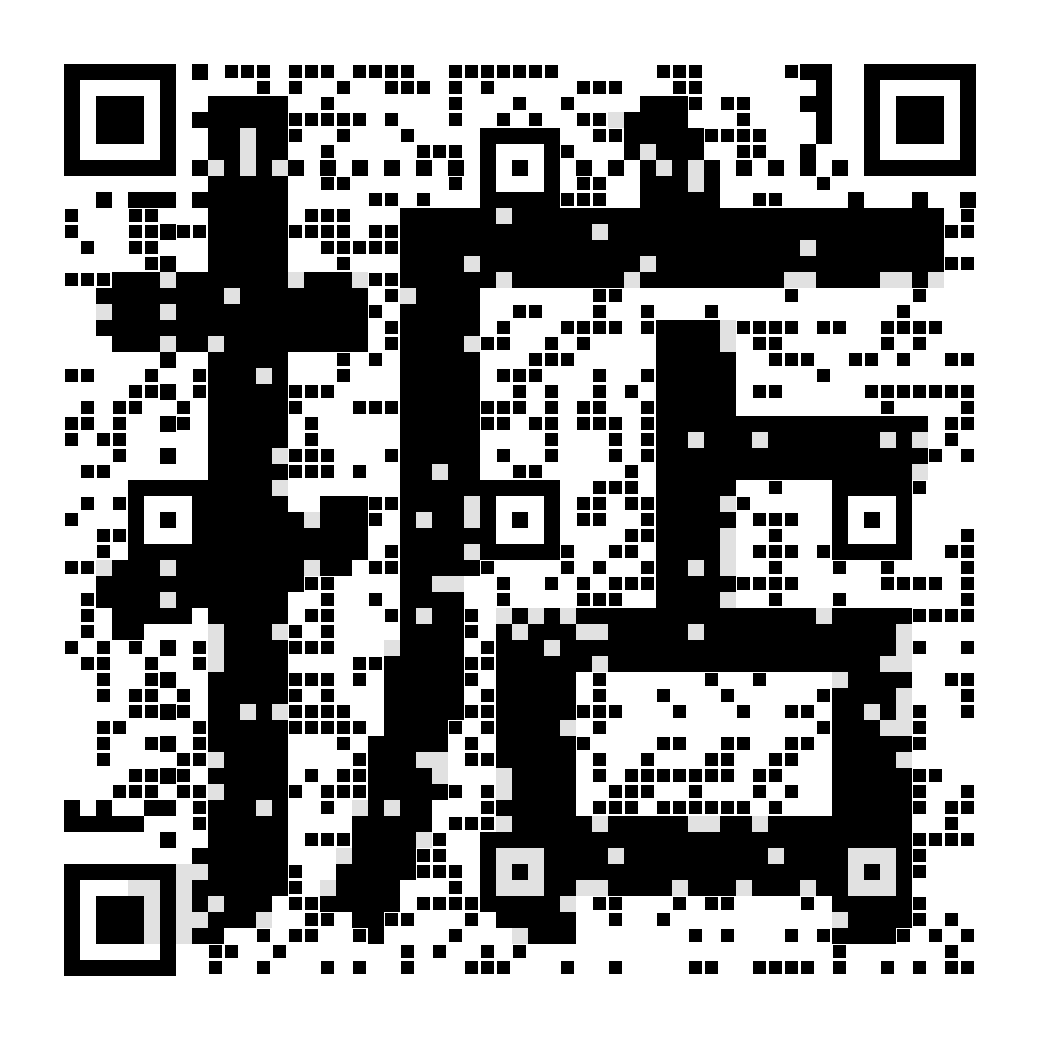
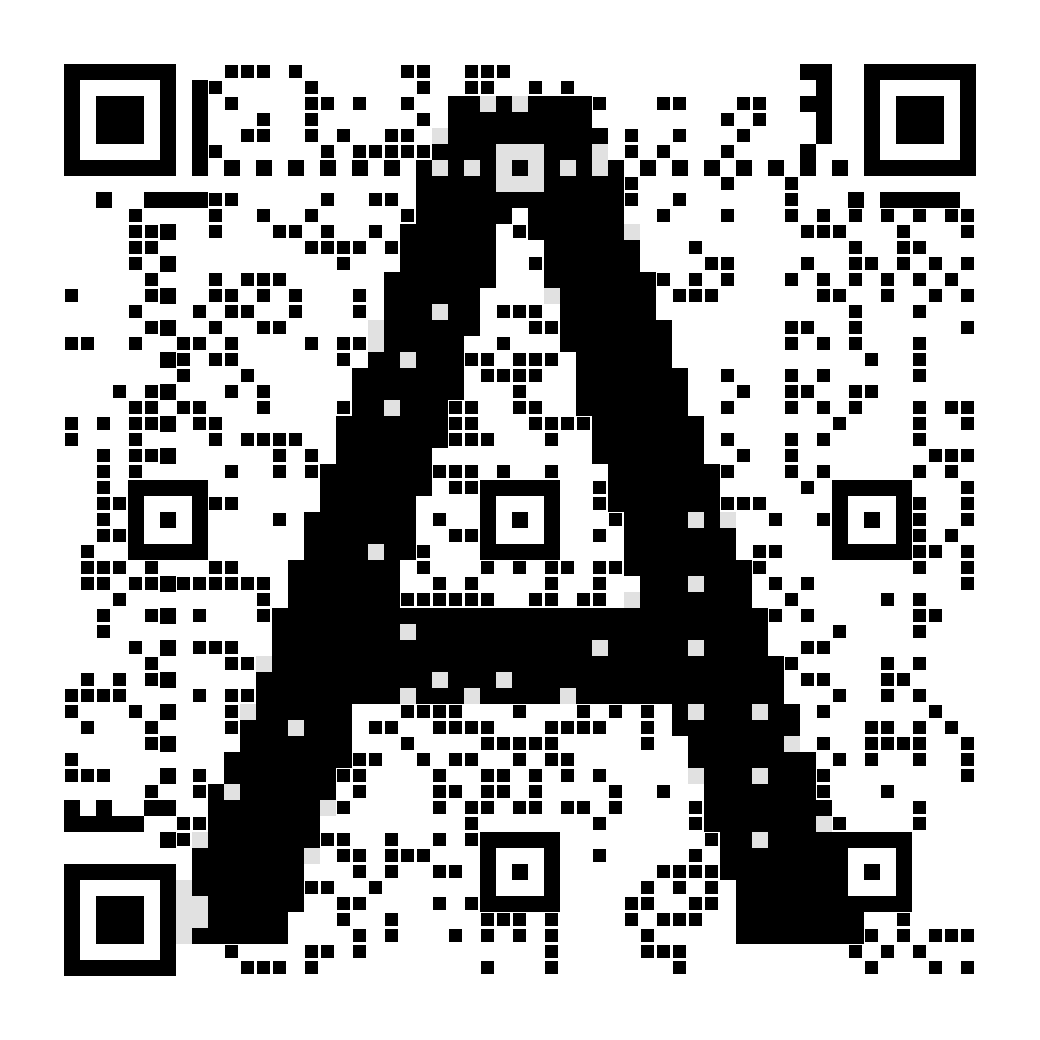
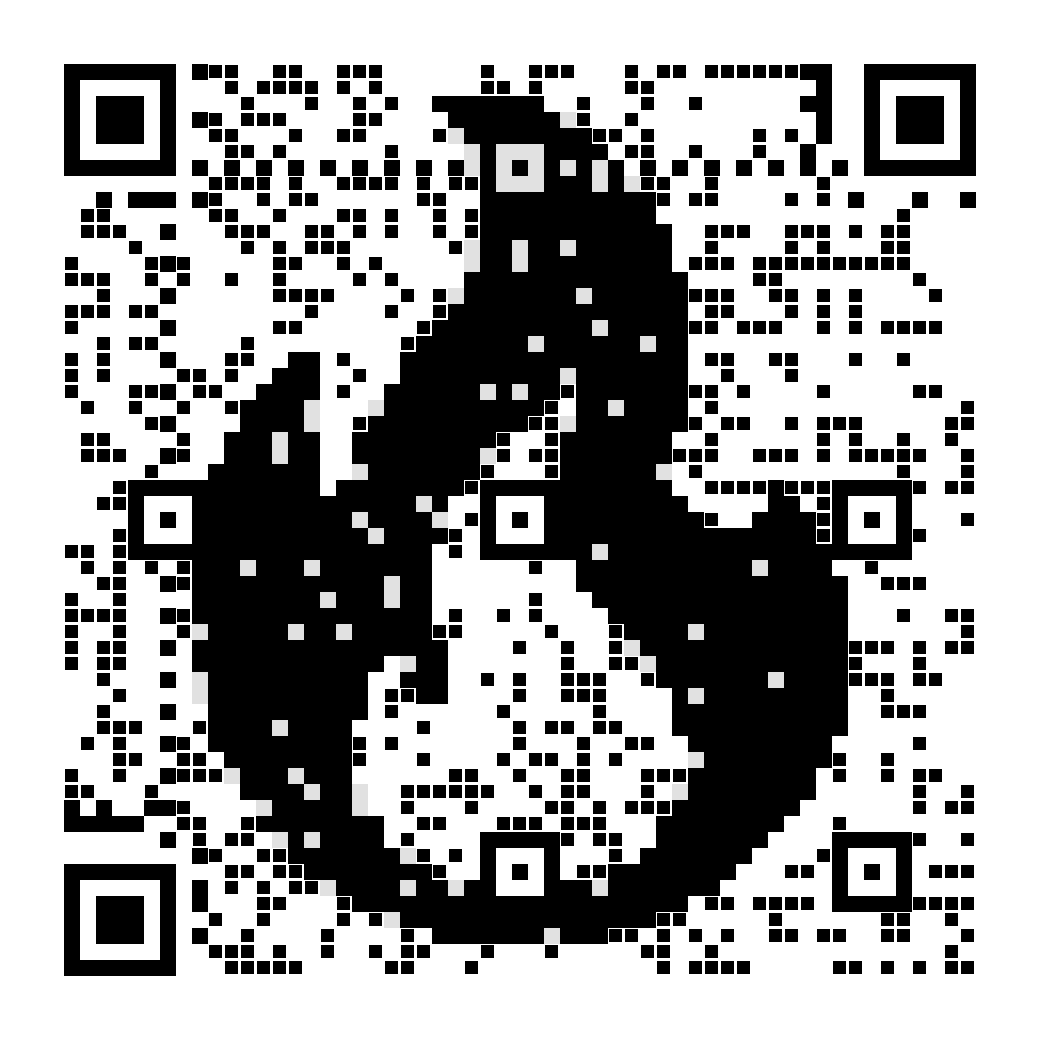
It really scans
Before it ships, every code is decoded again by the same engine real scanners use. If it won't scan, you never get it.
Change it after printing
What's printed on the paper is an address, not your phone number. New job or new number? Just edit it.
USD 10 each, once
No monthly fee, no scan fee, nothing to renew.
How it works
- Pick a character One or two English letters, a Chinese character, or an emoji. Your surname, your company's initial, what people call you — anything works.
- We draw it as a QR code Not a logo pasted on top of a code — the code's own black and white squares form the character. Every one is checked with a real scanner engine before it ships.
- Fill in your details Name, job title, phone, email, address, and your social accounts. It takes a minute.
- They scan you Their phone opens a web page, and one tap saves you to their contacts — just like any other contact.
MingQR pricing
USD 10 per code, paid once.Because a code is the shape of one specific character, you buy just the ones you actually want — not a “so many per month” allowance that goes to waste.
FAQ
- Does it really scan?
- Can I change my details after printing?
- Which characters look best?
- Does the other person need an app?
- What if I want the code to open a website directly?
- How much does it cost?
- Who can see my details?
- What if you shut down?